Make your forms ready for AI agents.
More prospects ask an assistant to request the quote or book the test drive for them. Today it gets stuck on your form and hands it back. WebMCP tells the assistant exactly what your form needs, through the Exatom tag.
- Your forms can be filled in by AI agents
- Nothing to rebuild, just the Exatom tag
- In pilot at Kia Belgium

Today an assistant sees your form, then hands it back.
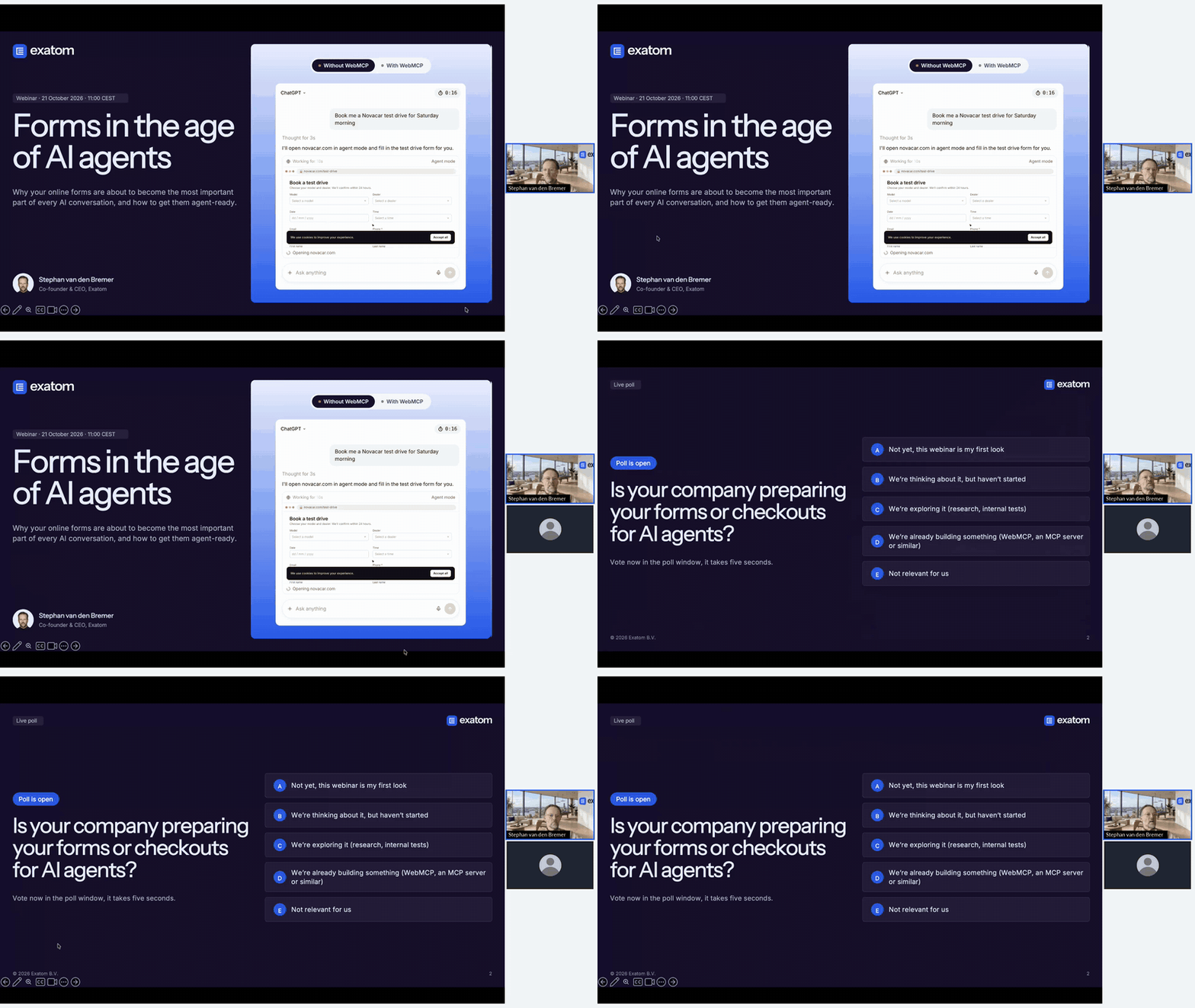
The same request to ChatGPT, twice. Try it on your own site and watch what happens.
Without WebMCP
- Clicks through the form field by field
- Gets stuck on the dealer list and a required phone number
- Hands the form back after almost three minutes
With WebMCP
- Reads your form's fields and rules in one go
- Asks only for what is missing
- Booked in seconds, measured in Exatom
Prospects research with AI. The form is where it stops.
Assistants are already part of how people choose. Finishing the job for them is the part that still fails.
of European consumers use AI tools when shopping.
Deloitte, July 2026 · 13,500 consumersof European AI users use it for the actual purchase at checkout.
Deloitte, July 2026 · 13,500 consumersof everyday tasks such as purchases, appointments and detailed forms were completed by the best AI model tested.
ClawBench, April 2026 · 153 tasks on 144 live sitesFrom one sentence to a confirmed submission.
-
01
The prospect asks
They tell their assistant what they want. A quote, a test drive, a booking.
-
02
The assistant reads your form
Through WebMCP your site tells it which fields exist, which are required and what belongs in them.
-
03
It fills in what it knows
The assistant completes the fields and asks the prospect only for what is missing.
-
04
You see the submission
The form submits as usual, into your CRM. Exatom shows it came through an assistant.
Switched on with a tag. Measured like every other submission.
One tag, nothing to rebuild
WebMCP runs through the Exatom tag, which you can add in Google Tag Manager. If Exatom already measures your forms, there is nothing new to install.
There for all of your traffic
Exatom is cookieless, so the tag does not wait for a choice in the cookie banner. Every visitor's assistant can use your form.
Assisted submissions, measured
See how many submissions came through an assistant, which fields it filled and where it got stuck, next to the numbers for people.
You decide where the assistant stops
Let the assistant submit the form, or have it hand over to the prospect just before submitting, for example when a CAPTCHA has to be solved.

Small numbers first. A head start later.
At our webinar, the most common reason attendees gave for waiting was a business case for management. This is the honest one.
No flood of leads next month
WebMCP is still a draft, in trial in Chrome and Edge. Assisted submissions start small and grow as more browsers and assistants support it.
Ready forms get a head start
When adoption comes, your forms already work, your team knows how assistants behave on them and you have the data to improve.
Optimisation matters more, not less
Clear labels and a logical structure help people and assistants alike. People keep filling in forms. Assisted submissions come on top.
AI agents are coming. What happens to your forms?
Why assistants get stuck on your forms, what WebMCP changes and how to get your forms ready. Stephan's webinar of 21 October, in 30 minutes.
 Hosted by Stephan van den BremerCo-founder and CEO, Exatom
Works with your existing stack.
Connect Exatom to the platforms you already run: Salesforce, HubSpot, Adobe, WordPress and more. One tag, no rebuild. Exatom adds the field-level data those tools don't have.
















Stay secure and compliant
Exatom is ISO 27001 certified. Built with security and privacy at its core, our platform works without cookies and does not collect any personal data. This ensures full compliance.
Questions from the webinar.
The questions the audience asked, answered by Stephan and Michaël. Something else? Ask us.
Does the assistant submit the form without the prospect?
You decide per form. The assistant can submit on the prospect's behalf, or hand over just before submitting so the prospect checks the details and confirms.
What about CAPTCHAs and spam protection?
Your protection stays in place. Where a form needs a CAPTCHA or a similar check, WebMCP is set up to hand the form to the prospect just before submitting, so a person completes that step. The checks on your server keep running as they do now.
Do we need to rebuild our forms?
No. WebMCP is switched on through the Exatom tag. Your form, your validation and your CRM stay as they are.
Which assistants does it work with?
WebMCP is a proposed web standard, drafted in a W3C community group by engineers from Google and Microsoft. Chrome and Edge are testing it in origin trials. A form that supports it works with every assistant and browser that adopts it, so you do not build for one of them. The demo in our webinar runs in ChatGPT.
What if the standard changes?
It is still a draft, so details can change. WebMCP runs through the Exatom tag, so we follow the standard on our side and your forms stay as they are.
Which forms should we start with?
The forms with the most volume and the highest lead or order value. A form with a short life, such as the registration for a single event, is rarely worth it.
How is WebMCP different from an MCP server?
An MCP server connects an assistant to a system, such as a CRM or a knowledge base. WebMCP connects an assistant to your website and the forms on it.
Is it too early to start?
The numbers will be small at first, and we say so. The work is small too, because it runs through the tag. Starting now means your forms are ready and your team has learned how assistants behave before the volume arrives.
What does early access cost?
Early access is free to try on your own forms.
Get early access to WebMCP.
Leave your details and we email you as soon as WebMCP is ready for your forms.
- Switch it on before the public launch
- One email when your access is ready, nothing else
- Free to try on your own forms